
In development
Document toolkit
Every document job, in one place, on your phone.
Scan a form, sign it, merge it with two others, squash it under the size limit and put a password on it — without a subscription, an account, or uploading a bank statement to somebody's server to have it rotated.
Why it exists
Four subscriptions to do one afternoon's paperwork.
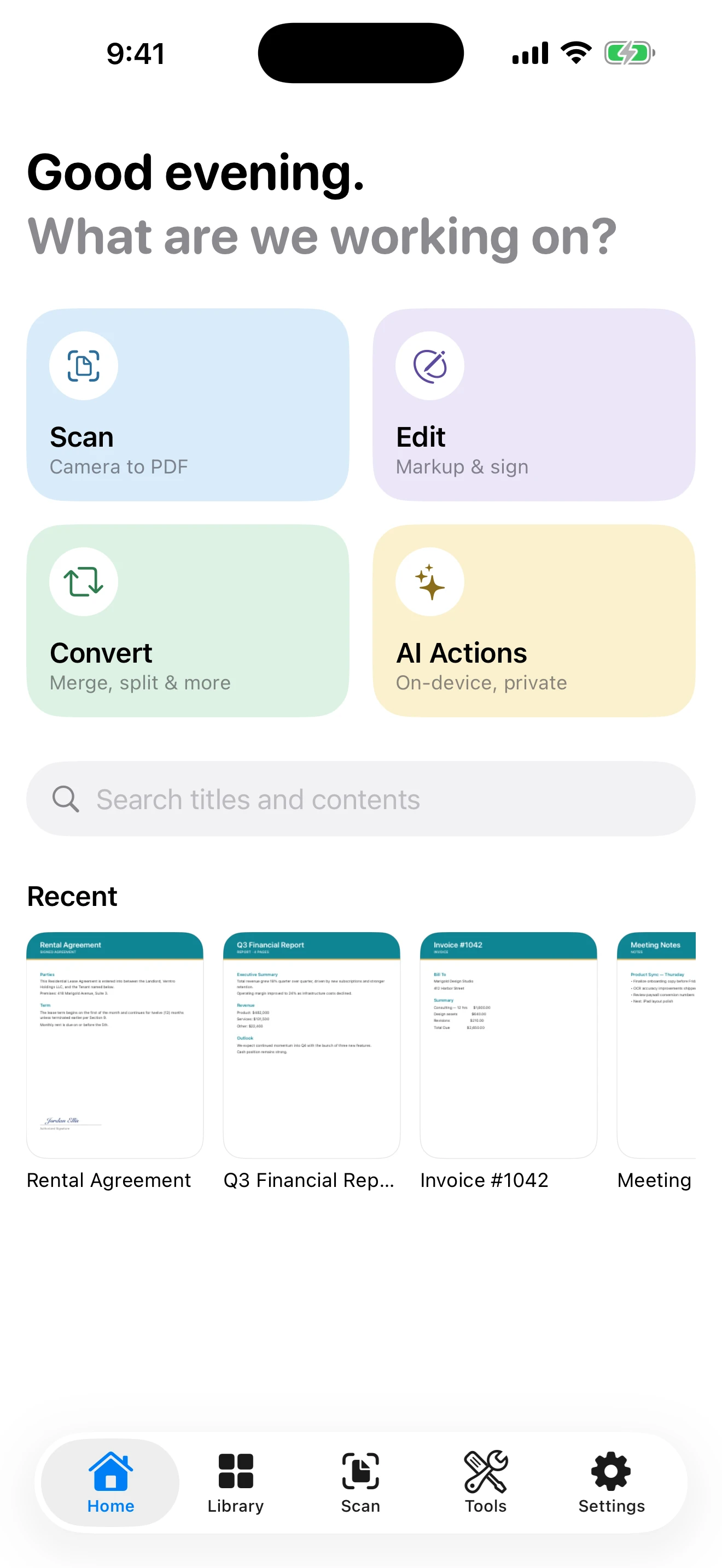
Scanning lives in one app, merging in another, signing in a third, compression in a fourth — and several of them bill by the year. DocLoft is the whole workflow in one place: scan a form, fill it in, sign it, merge it with two others, squash it under an upload limit and lock it with a password, without leaving the app.
DocLoft is all of those jobs in one app, for one small payment, doing the work on the device you're holding.
What it does
The whole workflow, not a slice of it.
Scan, and get real text out
Edge detection, perspective correction and multi-page capture, then text recognition over the result — so a scanned contract is searchable rather than a photograph of some words. The library indexes what's inside your documents, not just their filenames.
- Multi-page camera scanning with automatic cropping
- Text recognition on the device
- Search that looks inside your documents
All the tools, in one grid
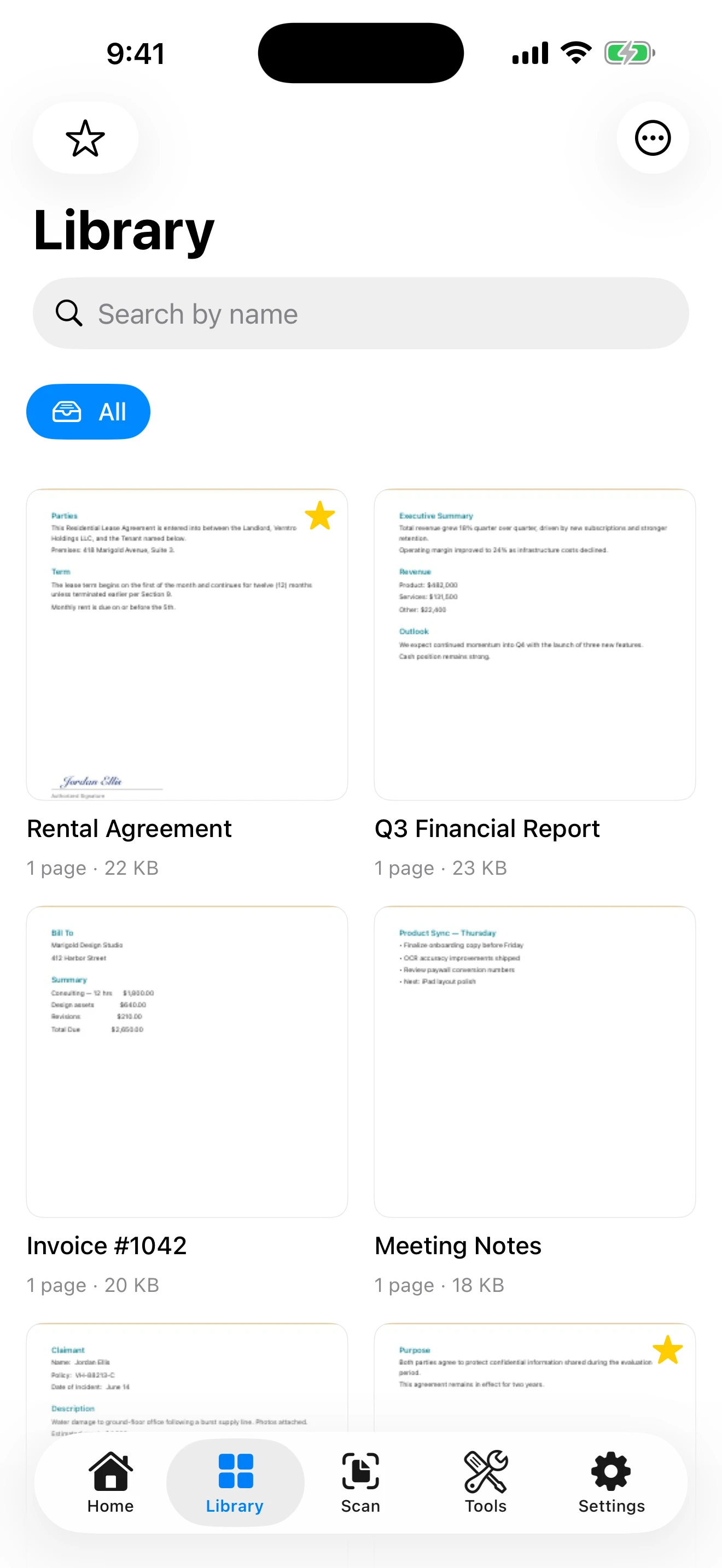
Merge and split. Rotate and reorder. Compress under an upload limit. Convert images to PDF and PDF to images. Fill and sign. Watermark. Password-protect. Each one is a tap from the same screen rather than a separate app with its own paywall.
- Merge, split, rotate, reorder, compress
- Fill & sign, watermark, password protection
- Redaction that removes the content, not just covers it
- Images to PDF, and PDF back to images
AI actions that never leave the phone
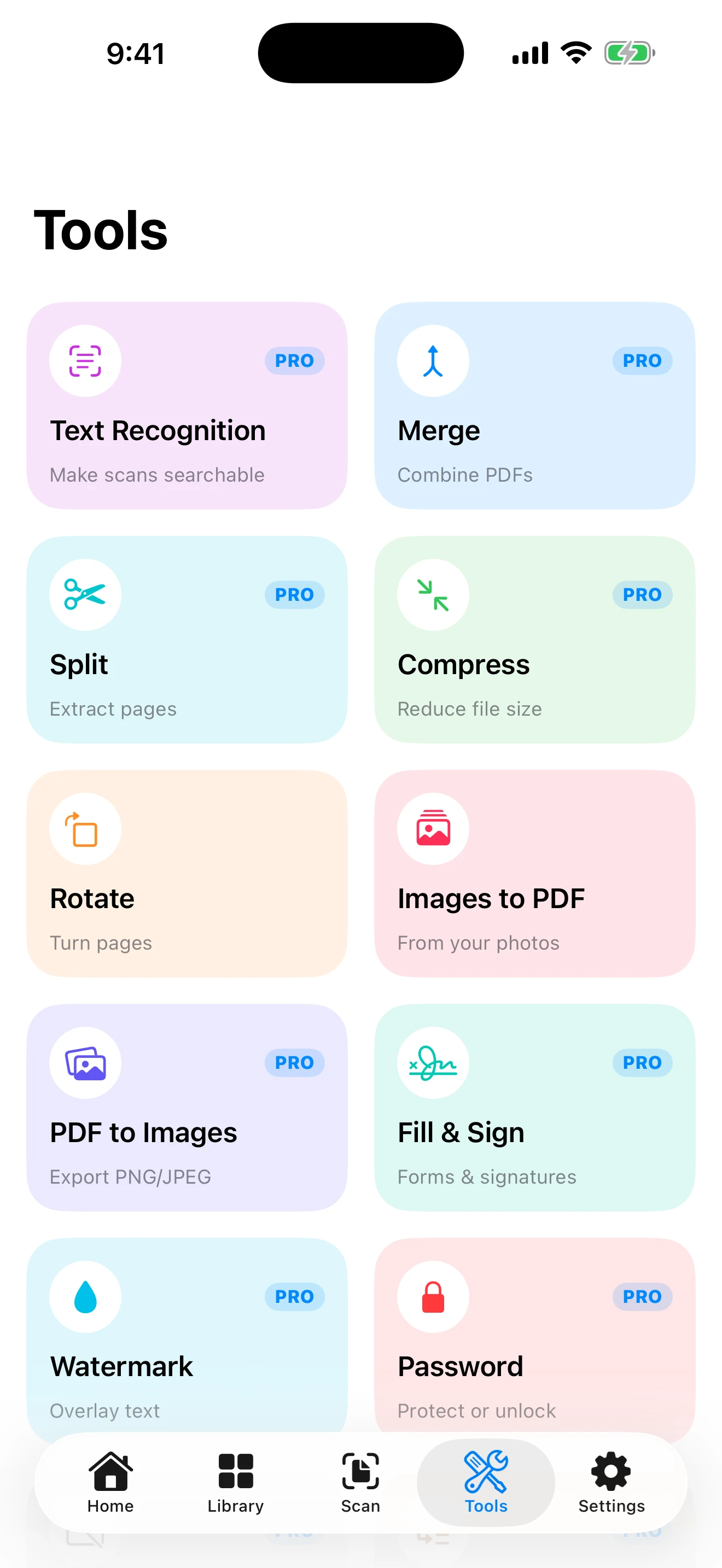
On an iPhone with Apple Intelligence, DocLoft can summarise a long document, pull out the key points, or draft a reply — using Apple's on-device foundation models. The document is processed on the phone rather than sent away, so the feature works with no connection at all.
This needs iOS 26 and Apple Intelligence-capable hardware with the feature switched on. On any other device the AI actions simply aren't shown, and the rest of the app is unaffected — nothing is hidden behind a device you don't own.
DocLoft
$2.99, once, for all of it.
There is one purchase and it unlocks everything. No tiers, no consumable credits, no monthly fee — and no account, because entitlement comes straight from the App Store, which means it also follows you to your iPad and back after a new phone without us knowing who you are.
Free
- Scanning, up to three pages a session
- Viewing, importing and the document library
- Rotating pages and images to PDF
- Highlight and underline annotation, and sharing
Full unlock $2.99 once
- Unlimited scanning and text recognition
- Merge, split, compress and export to images
- Fill & sign, watermark, password protection and redaction
- On-device AI actions, where the hardware supports them
The details
The parts you only notice when they're missing.
Headers and footers with page numbers, for documents that have to be paginated properly. Reordering pages by dragging rather than re-scanning. A redaction tool that rasterises the page and removes the underlying content instead of drawing a black box over text that can still be copied out.
It works the same on iPad, and your library can sync through your own iCloud if you switch that on in Settings — so a document scanned on your phone opens on the bigger screen when you sit down to deal with it.
Redaction is destructive by design, but you should still open the exported file and check it before sending anything sensitive. Fill & Sign applies a visual signature — it is not a certified e-signature service and provides no identity verification or tamper-evident audit trail. The terms set out both in full.
- Requires
- iOS 17.0 or later
- Devices
- iPhone and iPad
- Price
- $2.99 once, full unlock
- Account
- None
- Sync
- Your own iCloud, off by default
- Permissions
- Camera and photos
AI actions additionally require iOS 26 on Apple Intelligence-capable hardware. Everything else runs on any device that can install the app.
Coming to the App Store.
DocLoft is still in development. LeasePace is out now, if you want to see how we finish things.